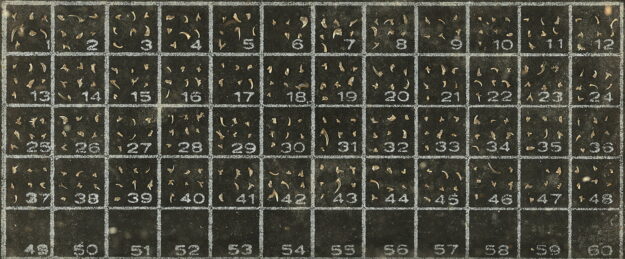
The Specimen Determines the Lens
Choose a Magnify2 lens by coverage, feature size, working distance, relief, measurement needs, and manageable capture volume.


Choose a Magnify2 lens by coverage, feature size, working distance, relief, measurement needs, and manageable capture volume.
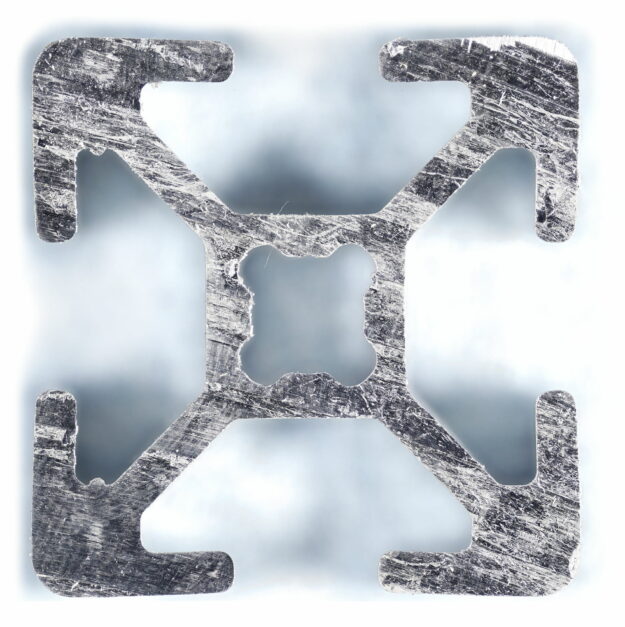
Pixel count, sampling, resolvable detail, and calibrated scale are different things. Define the decision first, then set the resolution to match.
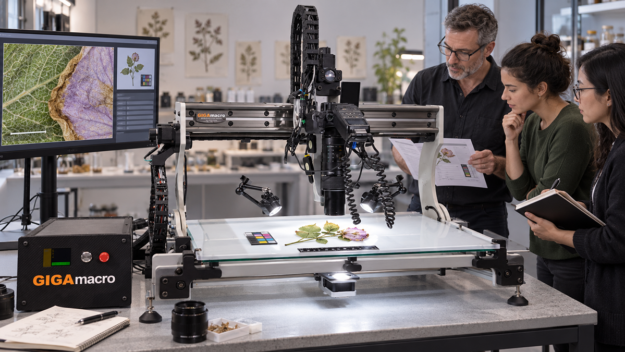
Plan subject handling, optics, lighting, test capture, scale, rights, and Viewer metadata before starting a long Magnify2 imaging run.
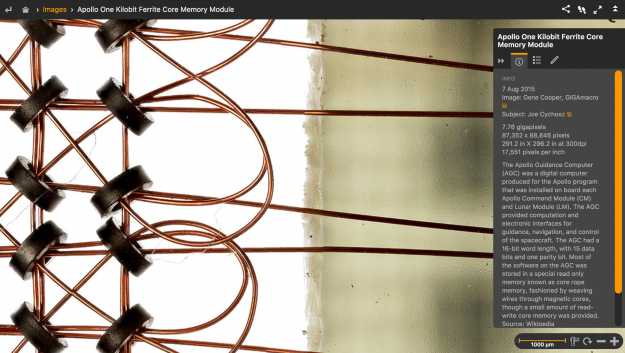
How to Make Gigapixel Macro Images The Overall Process The GIGAmacro images featured in the GIGAmacro Viewer are assembled from hundreds, or more often thousands, of individual photographs. To create a gigapixel image, we use a technique generally known as “Stack and Stitch”. Focus Stacking Focus stacking is a technique which combines multiple images…

Many of us tend to use our systems to shoot a single subject at a time, and that’s a fine way to use the Magnify2! But what if you have lots of subjects and want to do one set up and then let the system run? The answer to multiple subjects is to use templates…
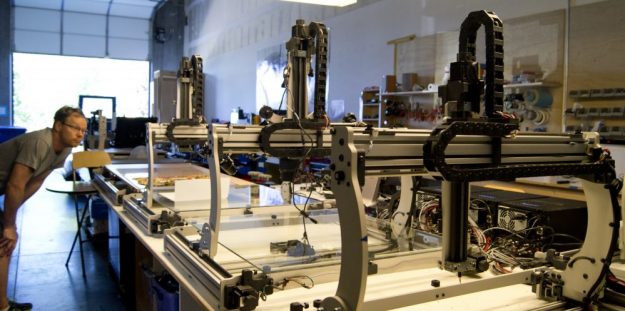
Once you get into production mode, it’s easy to have a bunch of projects and folders that can be confusing and difficult to keep track of. If you have multiple people using your Magnify2, or multiple Magnify2s, the high resolution macro imaging workflow can be even more challenging. Also, there are many different processes and…